

Most cafes don't lose money on catering because the orders are unprofitable. They lose money because a $340 sandwich-and-coffee order for 30 people gets promised across three text messages, half-remembered by an opening barista, and then assembled at 6:45am while the line to the register is already six deep. The margin was fine. The execution wasn't.
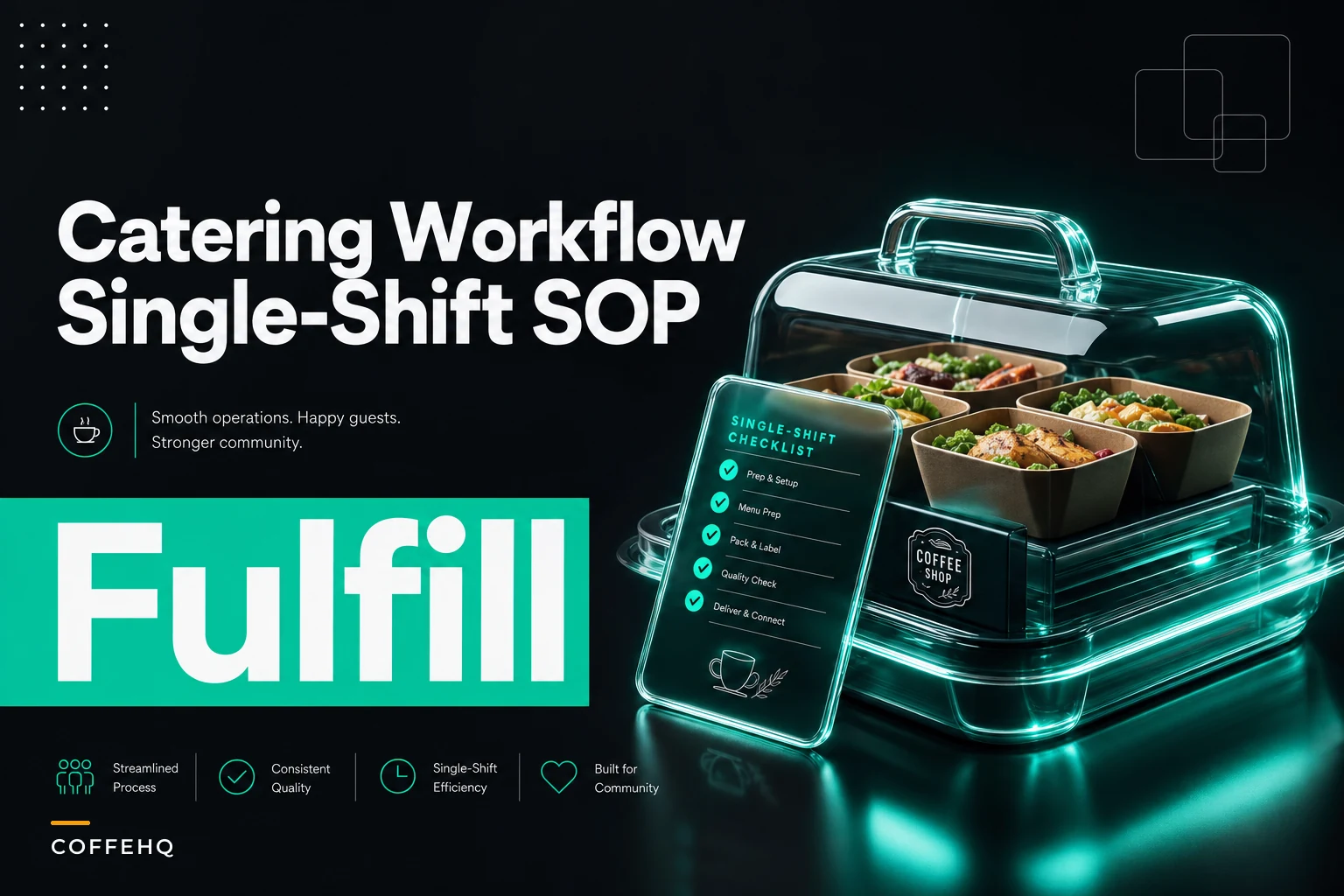
Catering and pop‑up orders sit in a weird operational gap: too big to treat like a regular ticket, too infrequent to build systems around. That makes execution depend on whoever answered the phone. This is a single-shift SOP: a manager should be able to set up the intake form, define batching thresholds, adjust staffing, and run the packaging checklist inside one shift.
The core idea running through everything: catering should never cannibalize your regular service. Every rule below exists to protect the walk-in customer paying $5.50 for a latte while you fill a $600 order in the back.
Where cafe catering operations actually break
Before the checklist, be precise about the failure points — most "catering went badly" stories are actually several distinct breakdowns stacked on top of each other.
-
Intake is verbal or scattered
the order lives in a phone call, a DM, and a sticky note.
-
No batching rules
someone makes 40 drinks one at a time instead of batching identical items.
-
Staffing wasn't adjusted to account for extra prep time.
-
Packaging is improvised
lids don't fit, labels are unclear, items get forgotten.
-
Invoicing is an afterthought
deposits and follow-up are not enforced, so money goes missing.
The common pattern: the order itself was fine. The handoffs between intake, batching, staffing, packaging, and invoicing leaked. Tightening those handoffs fixes most catering problems without touching recipes.
Stage 1: The intake form (build this first)
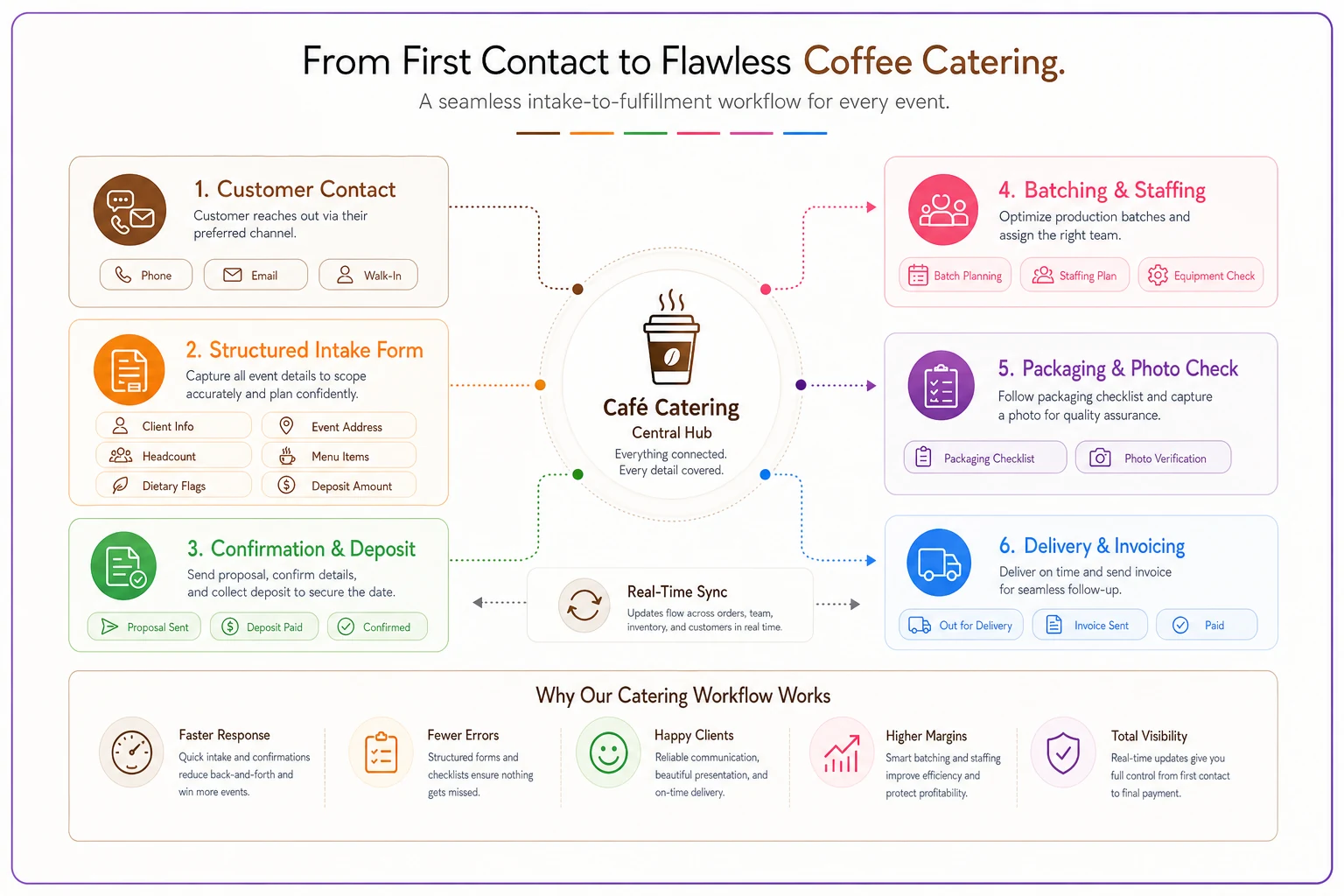
Stop taking catering orders as conversations. Every order must go through one structured intake — whether it arrived by phone, email, or in person. The intake form turns a fuzzy promise into an executable spec anyone on the team can follow.
Keep every order and shift perfectly aligned.
Coffehq helps you manage orders, inventory, and staff schedules seamlessly.
- Unified order processing
- Real-time inventory updates
- Staff shift coordination
No credit card required
-
Client name + callback number + who's paying (sometimes different people)
-
Delivery or pickup, and the exact delivery address if applicable
-
Ready time vs. event time (build in a buffer)
-
Headcount and item breakdown (e.g., 24 drip, 6 oat lattes, 2 dozen pastries)
-
Allergen and dietary flags kept separate from notes
-
Serving format (individual cups, airpots, boxed pastries, etc.)
-
Deposit taken? Y/N and amount
-
Who took the order (for accountability)
A quick note on allergens: treat substitutions and dairy-free requests with the same rigor you use at the counter. A mislabeled catering box is a much bigger liability than a single wrong drink off the register.
AI-assisted intake can help: a good operational platform can parse an email or voicemail into structured fields and flag missing items (a delivery order with no address, or a headcount that doesn't match the item count). You still confirm it, but you avoid retyping order details at 5am.
Stage 2: Batching rules that protect the line
Treating a catering order like one giant regular ticket is how a 40-item order takes two hours and disrupts the morning rush. Batching rules are simple thresholds that decide how items get made based on quantity.
| Item type | Threshold | Method |
|---|---|---|
| Drip / brewed coffee | Any catering qty | Brew to airpot or urn, never cup-by-cup |
| Iced coffee | 6+ identical | Batch-brew, pre-chill, fill together |
| Espresso drinks (hot) | 8+ identical | Pull shots in rounds, steam milk in batches |
| Specialty / custom drinks | Under 6 | Make to order, treat like normal tickets |
| Pastries | Any | Pull and box during a defined prep window, not on demand |
Rule under the table: identical items get batched, custom items are made individually, and nothing catering-related happens during your defined peak window unless prepped beforehand.
Example: a standing weekly order for 30 drip coffees and 18 pastries becomes a 20-minute prep block before the rush if batched correctly (brew two urns, box pastries pulled the night before). Same order, much less impact on the floor.
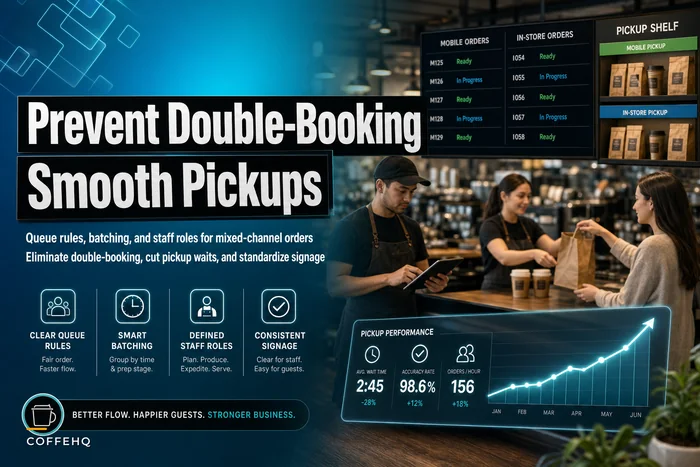
The batching window needs a hard cutoff: if an order can't be prepped before peak, either prep the night before or push the ready time. You do not fill catering during peak. The queue rules and staff role approach for mixed mobile and in-store orders applies here: sequence demand streams instead of letting them collide.
Stage 3: Staffing adjustments (the part that gets skipped)
Labor for catering is often invisible because it's absorbed by staff who were "already there." For larger orders that labor is real cost and must be planned. The staffing rule scales with order size.
-
Small (under ~15 items)
no adjustment; existing crew absorbs it during a prep window.
-
Medium (15–40 items)
add 30–60 minutes to the opening shift or bring one person in early to own prep only.
-
Large (40+ items or delivery)
dedicate a person for prep and plan who covers delivery; manager delivering requires someone to cover their floor role.
Common mistake: accepting a big order without changing the roster and assuming the team will "figure it out." Then service quality drops during the rush and the hidden labor cost appears in lost regular customers.
For multi-location cafes or those scaling catering, maintain tiered standards and clear decision rights so execution stays consistent. The same logic in the operations blueprint for opening a second site applies here.
Stage 4: The packaging checklist
Packaging is where good coffee becomes a bad delivery. Run a checklist before anything leaves the building to catch leaks, missing items, and labeling mistakes.
-
Every item matches the intake form; count out loud against the sheet
-
Lids seated and leak-checked on all liquid carriers
-
Airpots/urns filled, labeled (regular vs. decaf), pump-tested
-
Cups, lids, sleeves, stirrers, napkins, sugar/sweetener packed
-
Milk/cream and alternatives packed separately with the order
-
Pastries boxed; dietary/allergen items labeled and physically separated
-
Order label on the outside
client name, ready time, item count
-
Delivery
address confirmed, contact number available, route/time checked
-
Photo of the completed order to resolve disputes quickly
-
Pack extras (cups, lids, sleeves) so clients never run out on delivery
Holding temperatures and time limits matter. The FDA recommends hot foods be held at 140°F or warmer, cold foods at 40°F or colder, and perishables not kept hot/cold be discarded after the FDA “2‑hour” rule. See Serving Up Safe Buffets (FDA): https://www.fda.gov/food/buy-store-serve-safe-food/serving-safe-buffets. Check local health department rules for stricter requirements.
Packers should not be the makers: a fresh set of eyes counting against the intake sheet catches missing items. If pastries are part of your mix, apply the same per-item labeling and rotation discipline used at the counter.
Stage 5: Invoicing steps that actually protect you
Catering revenue behaves differently from register sales: it's larger, often paid later, and disappears without a system. The most common leaks are not taking deposits and not following up on balances.
-
At intake
take a deposit on orders above a set threshold (e.g., 25% on orders over $150)
-
At order confirmation
send a written confirmation with the itemized total, ready time, and payment terms
-
At fulfillment
attach the packing photo and final count to the invoice
-
Payment terms
define them (due on delivery or net-7 for trusted repeat clients), not “whenever”
-
Follow-up
one automatic reminder after terms, then a call for unpaid balances
A concise invoice must include business details, a unique invoice number, dates, itemized line items, payment terms, tax information, and accepted payment methods. See Xero's guide: https://www.xero.com/us/guides/what-to-include-on-invoice/. Confirm local tax and recordkeeping rules with your accountant.
The deposit rule alone changes economics: a 25% deposit on large orders covers ingredient costs for cancellations and reduces no-shows. Operational platforms can automate confirmations and reminders so managers see unpaid orders at a glance.
A real scenario
A neighborhood cafe with 6–8 office catering orders a month (about $280 each) saw morning-rush complaints on catering days and twice forgot to invoice entirely. On paper the revenue looked fine, but service quality and missing invoices were real costs.
Fixes were practical: one printed intake form used every time; batching rules taped in prep; a standing rule that medium-plus orders meant the opener came in 45 minutes early and stayed off register; a packing checklist and required order photo; and a 25% deposit on orders over $150.
Results: missed invoices stopped, cancellations dropped, and morning-rush complaints disappeared because catering prep happened before the rush instead of during it. Same order volume, but the orders stopped costing regular customers.
When this SOP makes sense — and when it doesn't
When it's worth building: You're getting a few catering or pop‑up orders a month, quality is inconsistent, and orders occasionally collide with your rush. If catering is more than an accident, you need the system.
When it's overkill: If you get one catering order a quarter and it's for a friend, don't build a five-stage SOP. Take a deposit, write it down, and move on.
Who should not expand catering at all: cafes already understaffed for regular service. If your normal Tuesday is barely covered, adding catering will degrade core business faster than catering margin can pay for it. Fix baseline staffing first.
The one rule to keep: catering prep never happens during peak, and it never runs on a normal roster. The intake form, batching table, packing checklist, staffing adjustments, and deposit rule all exist to make that possible.
Do these five things — write the order down, batch identical items, adjust the roster, pack against the sheet, and take a deposit — and catering becomes a clean, repeatable revenue line any competent shift lead can run without the owner hovering or regulars paying the price.
Ready to brew operational excellence?
Join hundreds of coffee shops using Coffehq to boost efficiency, reduce waste, and elevate customer satisfaction.